31 friendly shapes
Boxes, balls, cones, hearts, stars, clouds, gems, springs, screws and more — each with sizes in real millimetres.
Free 3D design for kids aged 5 and up
Snap shapes together like building blocks, cut holes, add your name — then a 3D printer turns your idea into a real thing. All in your web browser.
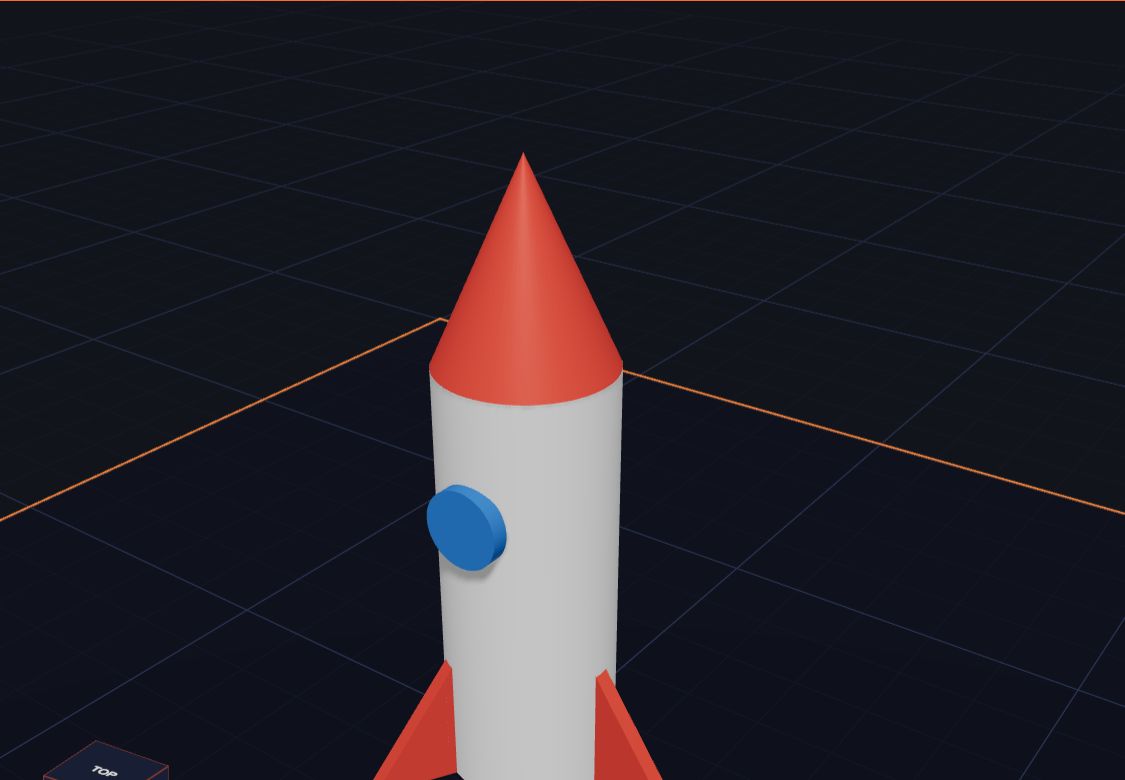 Drag to spin
How it works
Click a box, a ball, a star or 28 more. Each one lands on the build plate, ready to use.
Drag to move, stretch and turn. Stack shapes, cut holes, add your name, and pick your colours.
Kids 3D Lab checks your model is ready, then saves a file your 3D printer understands.
Features
Boxes, balls, cones, hearts, stars, clouds, gems, springs, screws and more — each with sizes in real millimetres.
Turn any shape into a hole and it cuts itself out. Make cups, key tags, windows and cookie cutters.
Draw with a pencil, lines, boxes and circles on a millimetre grid. Kids 3D Lab makes it 3D.
Drag arrows to move, corners to resize and curved arrows to turn. Every number updates as you go.
A friendly check finds floating parts and too-big models, then exports STL — or 3MF with your colours.
Work in tabs, keep your favourites in My builds, and save files to open again any time.
No account, no adverts, nothing uploaded. Builds stay on your own computer.
A first-time tour, a kids' tutorial, a full guide in easy English and a blog full of project ideas.
Examples
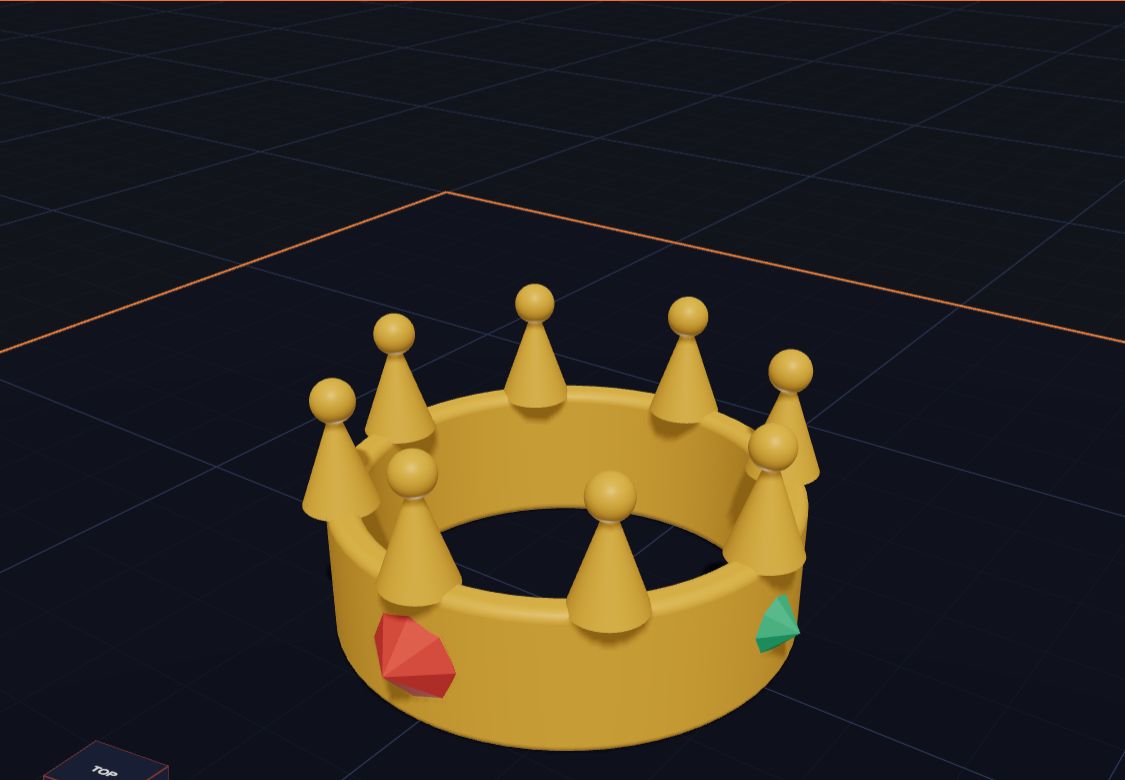
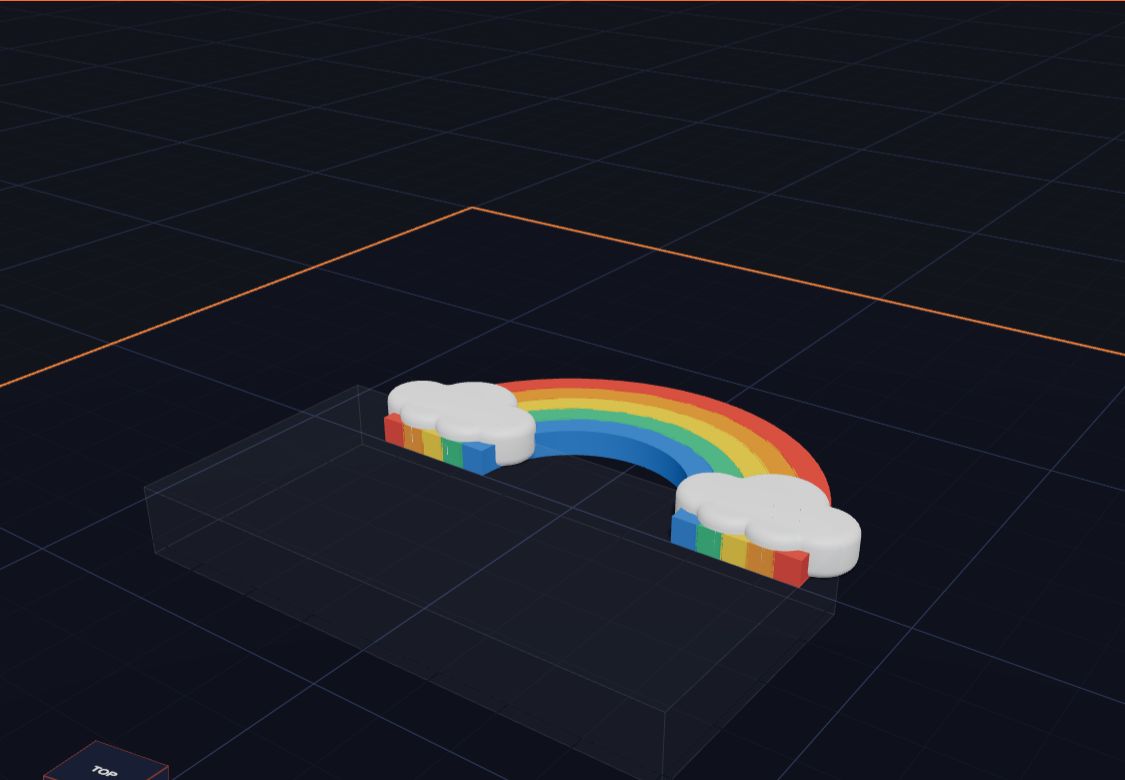
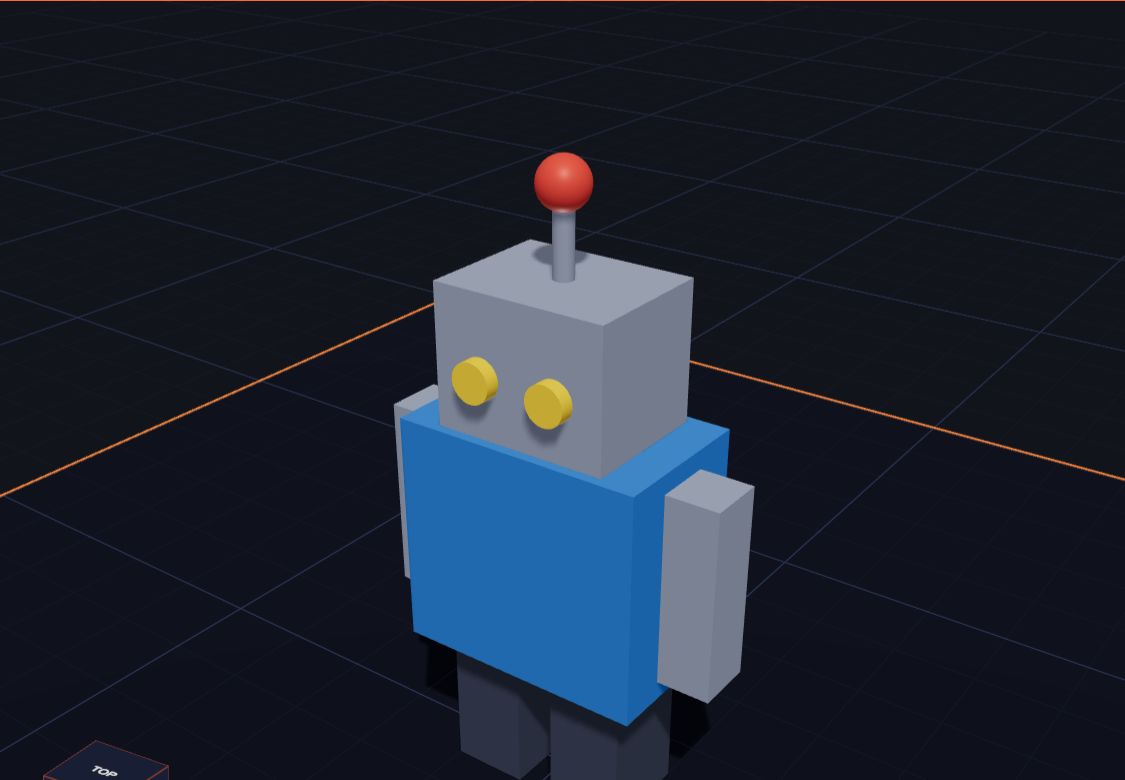
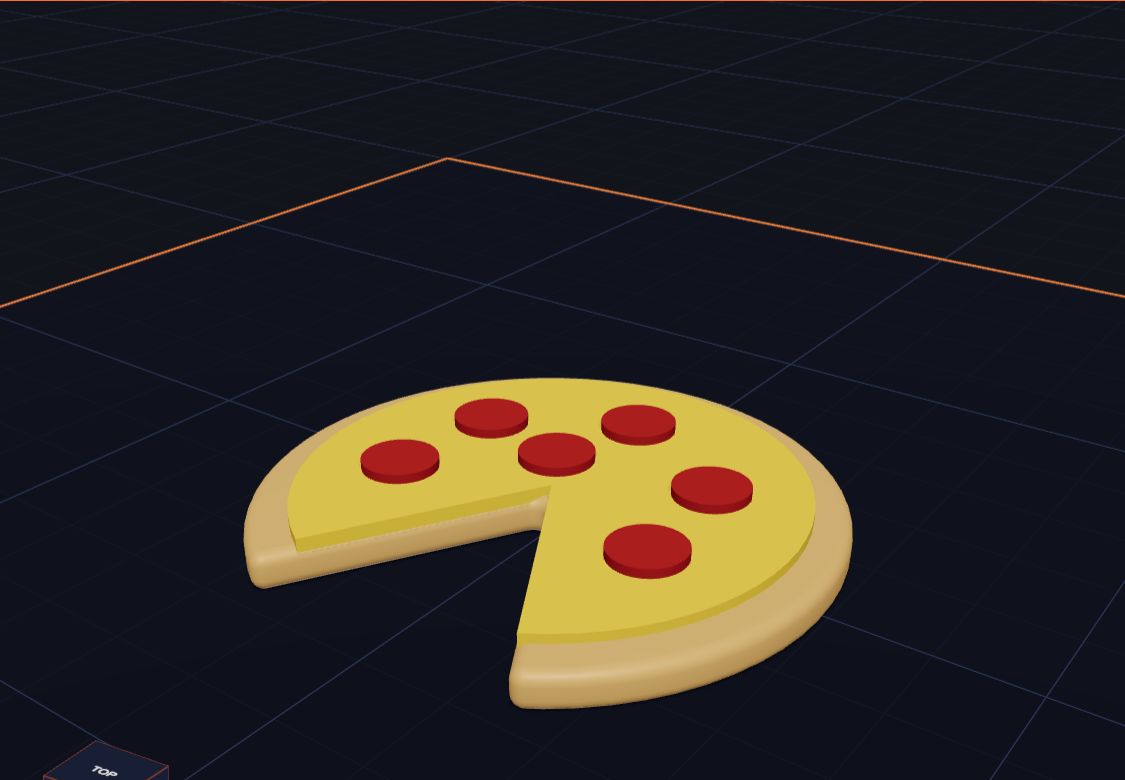
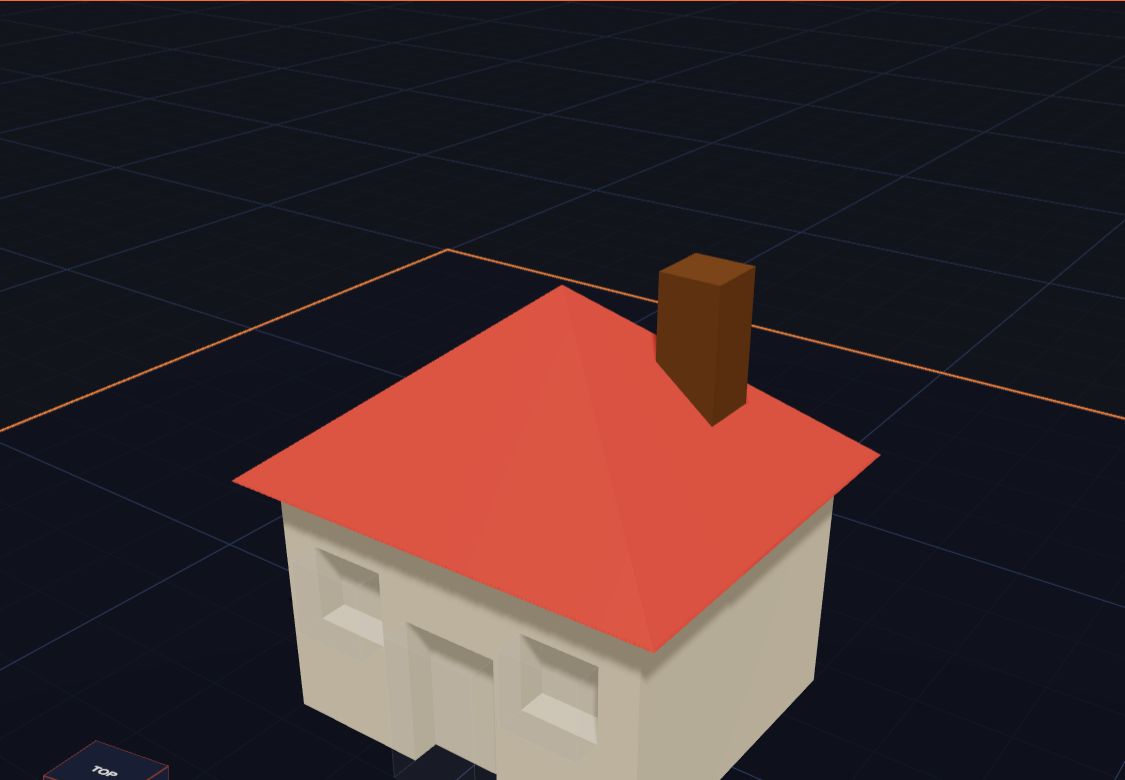
Every example is made from simple shapes, so you can see exactly how it works — then make it your own.
For parents and teachers
Kids 3D Lab is built for children from about 5 to 11 — the youngest building side by side with a grown-up. It keeps things simple without being a toy: every size is a real measurement, and what they design can really be printed.

Learn
Questions
Yes. Kids 3D Lab is free to use, with no adverts and no paid extras.
No. Open the app and start building. There is nothing to sign up for and nothing to install.
On your own computer: in your browser (so a refresh never loses them), and in .kids3d files you save. Nothing is uploaded. Read our privacy page.
Any printer. Kids 3D Lab exports STL files, which every slicer opens (Cura, PrusaSlicer, Bambu Studio and more), and 3MF files that keep your colours for multi-colour printers.
From about 5 years old. Younger children love picking shapes, colours and examples with a grown-up beside them; from about 8 they can follow the tutorial on their own. Grown-ups who are new to 3D design like it too!
Yes. It runs in any modern web browser. A mouse makes building easiest, but touch works too: one finger turns the view, two fingers zoom.
A name tag, a rocket, a crown for your cat… Start with an empty plate or one of 60 examples.
Start building — it's free
